Start with location
Choose a city or ZIP code first, then use the subdivision field to narrow your search. Review each home's map and location rather than relying on a neighborhood label alone.


915-587-4670
Real Estate Company
Casa By Owner | El Paso real estate search
Choose a location, price range and the features that matter to you. Search the listings below or see matching homes on the map.
Start your El Paso home search with the details that fit your plans. Casa By Owner's advanced search lets you narrow available listings by city, ZIP code, subdivision, price, bedrooms, bathrooms, living area and reported property features. You can also choose among homes, condos, land, multi-residential properties and commercial real estate.
Choose a city or ZIP code first, then use the subdivision field to narrow your search. Review each home's map and location rather than relying on a neighborhood label alone.
Set a price range, bedroom and bathroom minimums, living area and year built. Add reported features such as a pool, parking or interior amenities when they are important to your search.
Use Search to browse matching properties or Map Search to compare locations. Review asking price, size, layout, listing status and reported features together before planning your next step.
Browse homes in West El Paso, East El Paso and the Upper Valley, or select Horizon City and Santa Teresa in the City field. Keep the location filters flexible if you want to compare several areas.
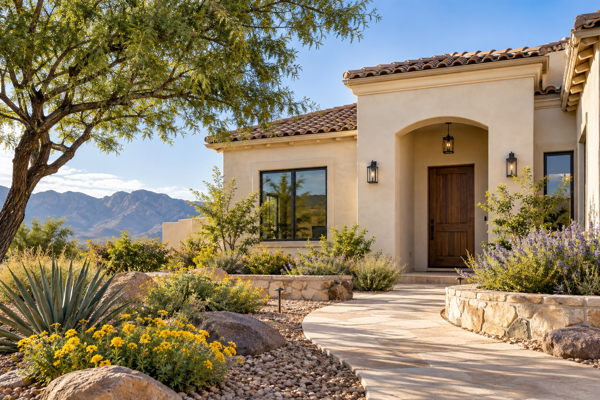
Save time by deciding which features you need and which you can be flexible about. Casa By Owner's buyer resources explain the steps from preparing to buy through offers, inspections and closing.
Read the El Paso home buyer guide or talk through your search with Casa By Owner.
Choose a ZIP code or city, set a price range, and select the property type, bedrooms, bathrooms and other features you need. Use Search for a list of matching properties or Map Search to see their locations.
Yes. The City field includes Horizon City, Texas, and Santa Teresa, New Mexico, along with other available communities. Select the area you want and review the location on each listing.
Yes. Use Address Search or MLS Number Search in the search navigation above the form. These are useful when you already know the property you want to review.
Check the listing status, asking price, living area, property features, taxes, school assignments and any reported fees with the appropriate sources. Availability and listing details can change. Photos and descriptions do not replace inspections, records or seller disclosures.
Listing information comes from the sources identified on each property page. Availability, prices, measurements, features and school information may change. Confirm important details independently before making a purchase decision.